
Keeping prints in good condition is helpful, but it isn’t a full backup plan. Digitizing old photos creates the copies you can store, search, share using PhotoConnect and protect against fire, flood, or fading. Below is a practical, modern workflow with settings, trade-offs, and preservation best practices so you get archival-quality masters and easy-to-use derivatives.
Table of Contents
Ways to digitize old photos (and when to use each)
1. Dedicated flatbed scanners — the archival sweet spot
Best for: most home collections and family archives.
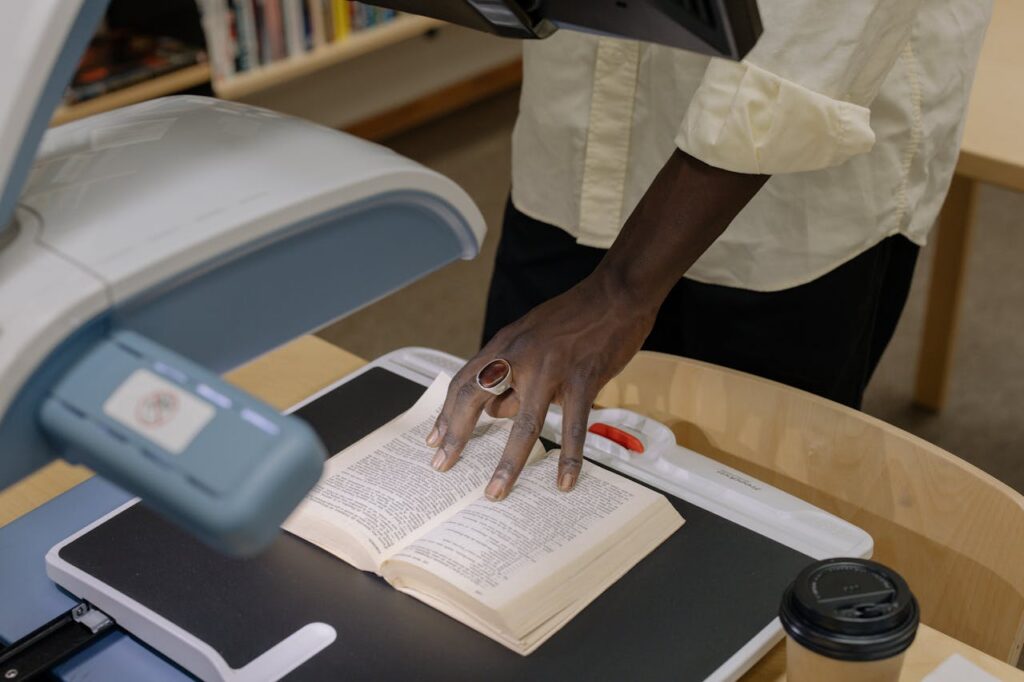
Why: flatbeds touch the photo less than rollers, offer consistent lighting, and let you choose high resolution and color depth. Use a flatbed for anything you want to preserve long term.
2. Professional scanning services
Best for: large batches, fragile photos, or when you want maximum quality (and time savings).
Why: pros have high-end equipment, color calibration, and handling expertise. You get back master files and derivatives — good when you don’t want the work.
3. Dedicated camera setup (copy stand + mirrorless/DSLR)
Best for: very large originals, mounted art, or when you need to digitize thick items that won’t fit a scanner.
Why: with controlled lighting and a rigid copy stand, you can achieve excellent results — but it requires gear, calibration, and technique.
4. Phone / document scanning apps
Best for: quick sharing, on-the-go reference, or scanning backs of prints for notes.
Why: convenient but lossy. Good for quick reference copies — not as master archive files.
Scan settings & capture principles (do this for your master files)
- Create a lossless master (preserve everything): save as TIFF (uncompressed or lossless compression). Do not save your master as JPEG.
- Color depth: scan at 48-bit color (16 bits per channel) if possible; 24-bit (8 bits/channel) is OK for casual use but loses latitude for later corrections.
- Color space: capture in a wide color space; keep the scanner’s native profile and record it (attach an ICC profile). Convert to sRGB only for web derivatives.
- No in-scanner “enhancements”: turn off dust removal, color correction, sharpening, auto-contrast. Apply those to derivative files later — never to the master.
- Calibrate your scanner with an IT8 target if you want color accuracy you can trust long term.
- Resolution guidance: scan for your long-term needs, not for “today.” Examples:
- A 4″×6″ print scanned at 600 DPI yields: 4 × 600 = 2400 pixels by 6 × 600 = 3600 pixels.
- The same print at 1200 DPI yields: 4 × 1200 = 4800 pixels by 6 × 1200 = 7200 pixels.
Use 600 DPI for good-quality digital viewing and modest enlargement; use 1200 DPI when you want extra detail for large enlargements, heavy restoration, or prints of originals that might be unique. If in doubt, scan larger — storage is cheap; rescanning is expensive or impossible.
Workflow: capture → catalog → protect
- Capture a lossless master (TIFF, high bit depth, ICC profile).
- Create derivatives for different uses: high-quality JPEG for prints, smaller JPEG/PNG for web, and optionally a searchable PDF or low-res contact sheet. Always derive from the master.
- Add metadata immediately: names, dates, descriptions, place, people, and keywords. Use EXIF/IPTC/XMP so metadata travels with the file. If there are notes on the back of a print, photograph or transcribe them and attach that text to the image metadata this can be done easily by using a tool like PhotoConnect.
- Checksum and version: compute and store a checksum (MD5/SHA256) for each master file; store checksums separately so you can detect bit-rot later. Consider simple versioning (master_v1.tif) if you ever reprocess.
- Backup (3-2-1 rule): keep at least three copies, on two different media, with one copy offsite/cloud. Automate backups when possible and verify them periodically. We recommend PhotoConnect for an offsite storage. It keeps original versions and is packed with many features, that help you achieve your goals.
Naming, folder structure & searchability
- Use a consistent filename format: YYYY-MM-DD_subject_location_people_description.ext (e.g., 1987-07-04_Poland_SmithFamily.tif). Leading date sorting helps.
- Organize folders by year → event/type → scans (e.g., 1987/1987-07-04-Fireworks/masters/).
- Store searchable metadata (names, places, relationships). Modern AI photo-tagging can help auto-tag faces and scenes — but apply tags to copies or as metadata only; do not alter the master pixels.
You can also upload your photographs to a service like PhotoConnect. This allows you to organize old photos into albums and add data like location, when taken date, description and title. Upon that you can add people and assign them to faces visible on photographs. It keeps the original versions of your files in a safe storage and accessible on laptop, or mobile device. This is great tool, that makes working with any amount of photographs a pleasure.
Physical preservation (don’t forget the originals)
- Store old photos flat, in archival sleeves (acid-free, lignin-free).
- Keep originals in a cool, dry, stable environment away from direct sunlight.
- Photographs are irreplaceable — digitization complements, never replaces, good physical care.
Quick practical checklist
- Choose a primary scanning method (flatbed or pro service).
- Scan masters: TIFF, 48-bit if possible, ICC profile, no enhancements.
- Create derivatives for web/print.
- Add consistent filenames and rich metadata.
- Compute and store checksums.
- Back up using 3-2-1 (local + external + offsite/cloud).
- Keep original old photos in archival storage.
Final thoughts
Digitization is an investment: one careful pass now saves years of uncertainty later. Capture high-quality masters, standardize metadata, automate backups, and make searchable derivatives so future family members (and machines) can find and understand your collection. This all is made easier by PhotoConnect it takes care of all mentioned before. Safe copy? Upload to PhotoConnect. Organize your collection? Upload to PhotoConnect. Make your genealogy and history research a pleasure, by allowing PhotoConnect to take care of technical aspects of preserving and organizing photos.